Field record
Describe the work.
Record locations, activities, quantities, equipment, personnel, conditions, and the inspection result in a repeatable daily structure.
Civil inspector reporting
Build a daily field record that connects work activity and quantities to the photographs, plan sheets, specification sections, and tickets another reviewer may need.
See the path in 15 seconds
Evaluate the report first, move into a reusable workflow when it fits, and keep the software without a required monthly plan.
Field record
Record locations, activities, quantities, equipment, personnel, conditions, and the inspection result in a repeatable daily structure.
Source record
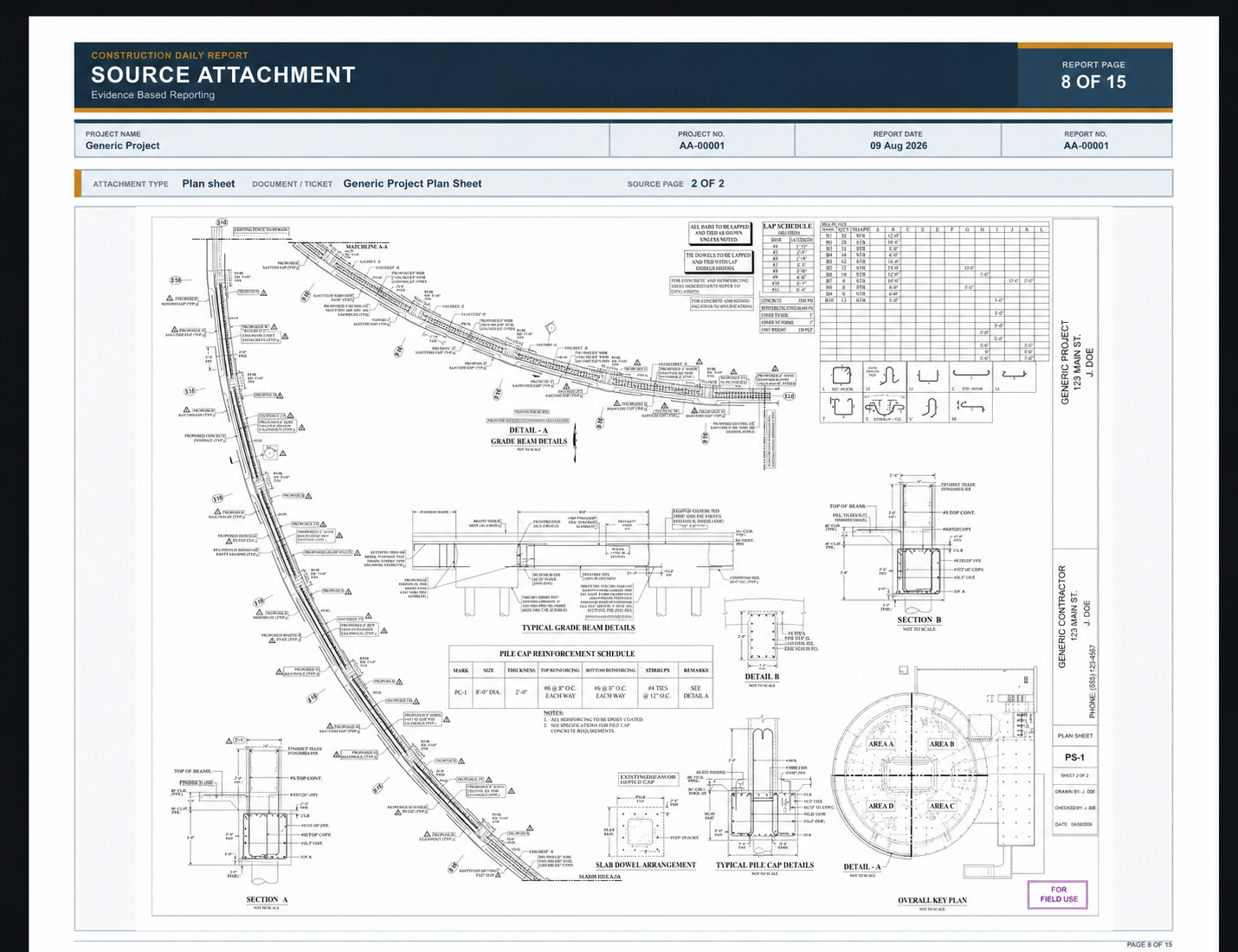
Attach or reference the relevant plan, specification, ticket, or supporting document so the evidence is not separated from the observation.
Project memory
Keep project-specific choices available for later reports instead of reconstructing contractor and work descriptions every day.
A reviewable chain
EBR Pro is designed to make the report easier to follow after the field day is over.
Agency requirements differ. Use the Trial to evaluate the report structure and confirm it fits the intended workflow before purchasing.
EBR Pro is local-first. Records remain on the buyer's devices unless the buyer deliberately transfers or shares them.