Before the day
Keep project details ready.
Reuse project identity, contractors, work descriptions, and other project-specific choices that remain useful across reports.
Daily inspection report software
EBR Pro keeps reusable project information and contractor choices ready while each report stays specific to that day’s work, conditions, conversations, quantities, and evidence.
A repeatable daily workflow
The project name and recurring choices should not be retyped every morning, but yesterday’s field record should not silently become today’s report.
Before the day
Reuse project identity, contractors, work descriptions, and other project-specific choices that remain useful across reports.
During the day
Add activity, locations, conditions, quantities, observations, discussions, deficiencies, and supporting evidence for that date.
After the day
Generate a consistent PDF with the daily page followed by the photographs and supporting document pages that belong with it.
See the path in 15 seconds
Evaluate the report first, move into a reusable workflow when it fits, and keep the software without a required monthly plan.
Working product proof
The application keeps reusable choices close, then carries the completed daily record into a professional report package.

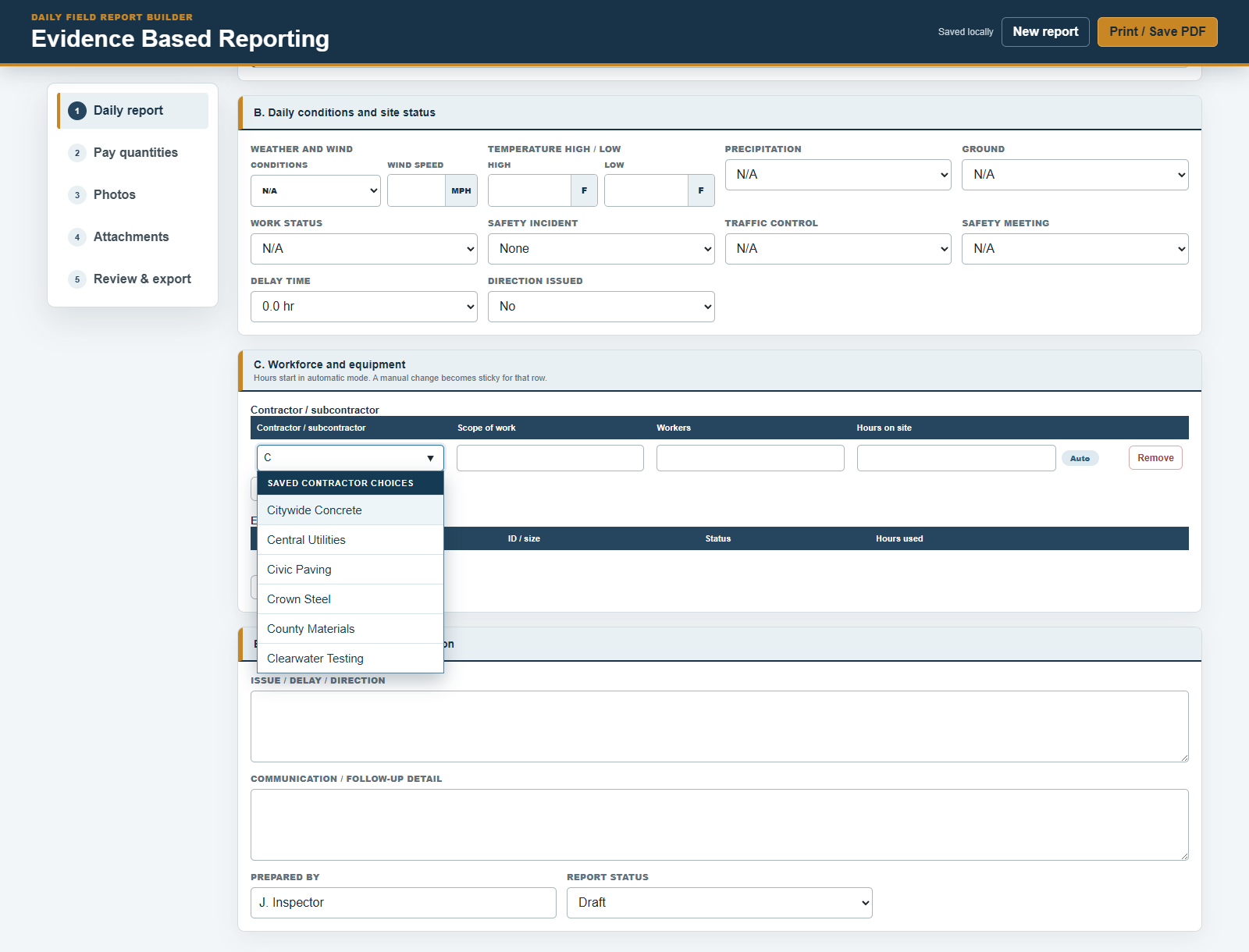
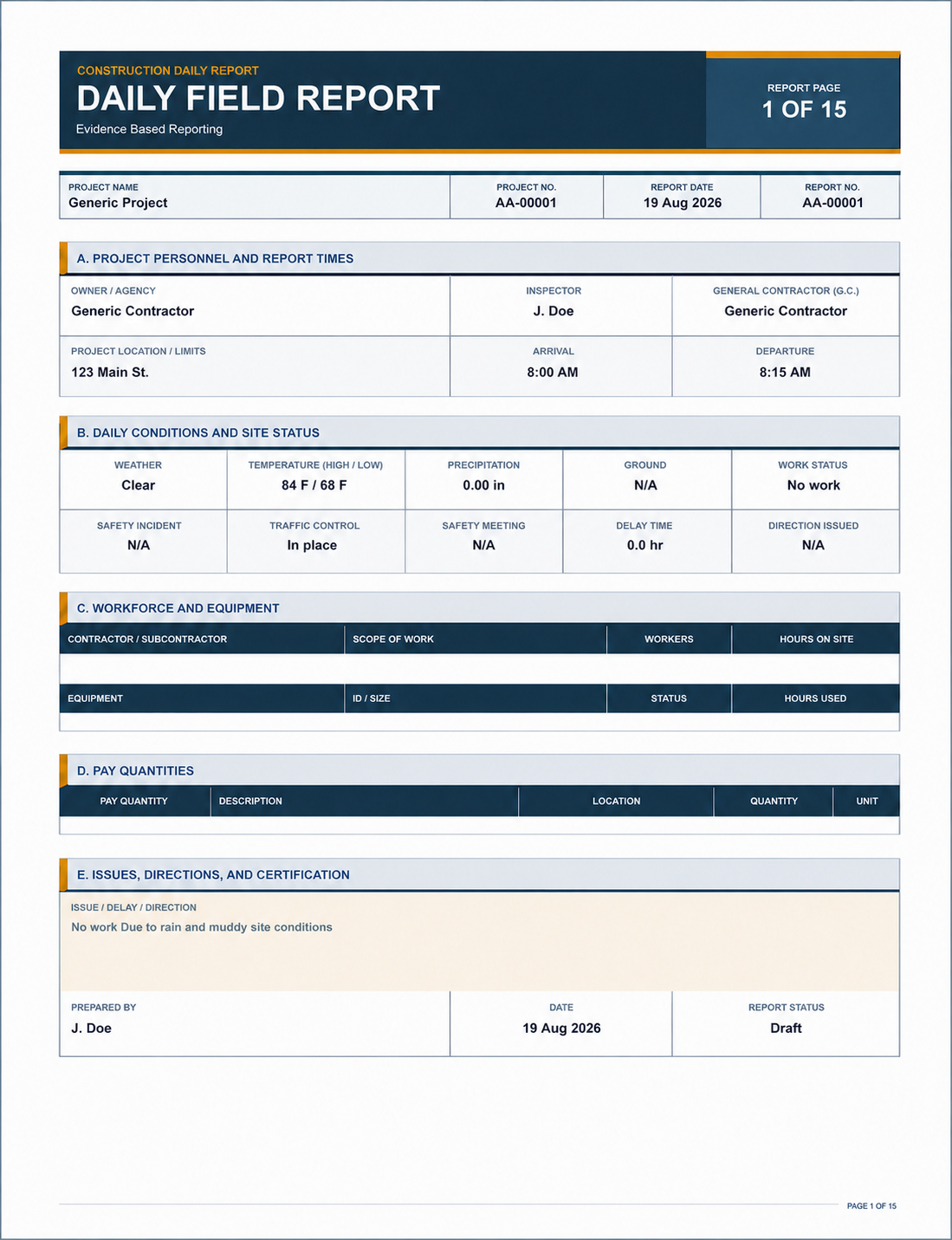
One report package
EBR Pro is designed to combine the day’s written record with the supporting photographs, plan sheets, specification pages, and tickets another person may need to review.
What the report can preserve
Daily report questions
No. Reusable project choices remain available, while each daily report is created as a separate record for its own date.
Yes. EBR Pro is designed to organize photographs, plan pages, specification pages, and tickets in the report package.
Yes. A Pro purchase includes three installer credits that may be used for Windows or Android in any combination.
EBR Pro is local-first. Buyers remain responsible for keeping secure backups of project files and exports.
Yes. The free watermarked Trial lets you inspect and test the five-page report layout without an account.
Free daily-report resource
Use the free browser checklist to organize the project, conditions, personnel, work, quantities, observations, conversations, photographs, and documents another reviewer may need.
Open the free checklistPrivate by design
The checklist does not require an account and does not send entries to PM Industries. Print the outline or save it as a PDF when it is ready.
Construction workflow
Connect contractor activity, quantities, observations, and supporting evidence.
See the construction workflow →Field connectivity
See what remains local and where internet or trusted Wi-Fi is still required.
Review offline-first operation →Ownership
Review the exact one-time price, included version, and installer allowance.
Review one-time ownership →Start with the report
Download the watermarked Trial free, or purchase the Windows and Android report builder for $25 once.